What's new on NeetoPay Help


Customers can pay a failed payment themselves

New feature Soham Prabhudesai
customers-can-pay-a-failed-payment-themselves.png

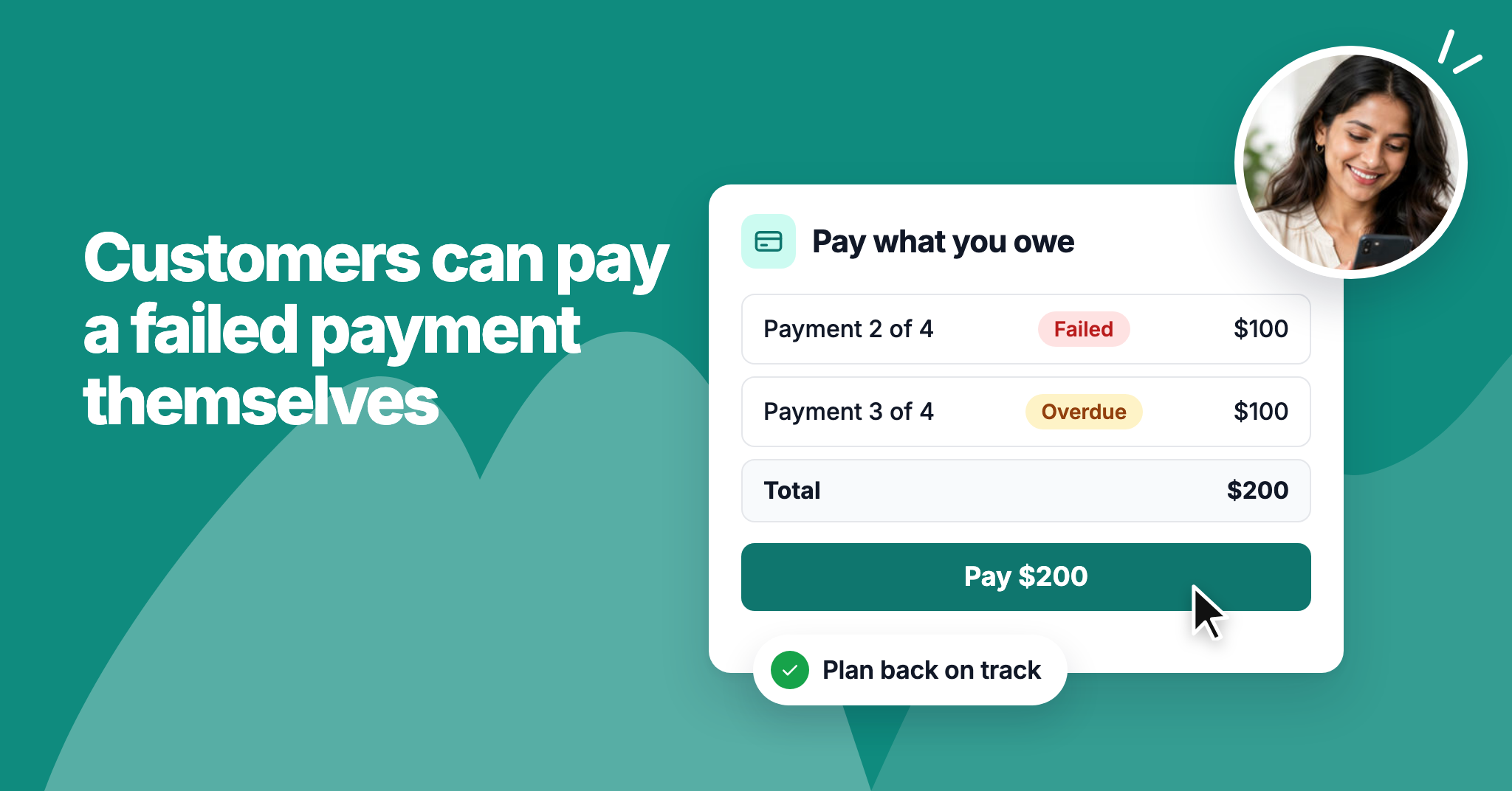
When a payment fails, your customer can now pay it from their plan page. A Pay now button on the failure message charges everything they owe, oldest first, to the card on file. If the card was the problem, they can switch to a new card and pay in the same step.

Once they've paid, the plan picks up again and the rest of the payments are charged on their usual dates, so you don't have to chase anyone.
Email logs

New feature Soham Prabhudesai
email-logs.png

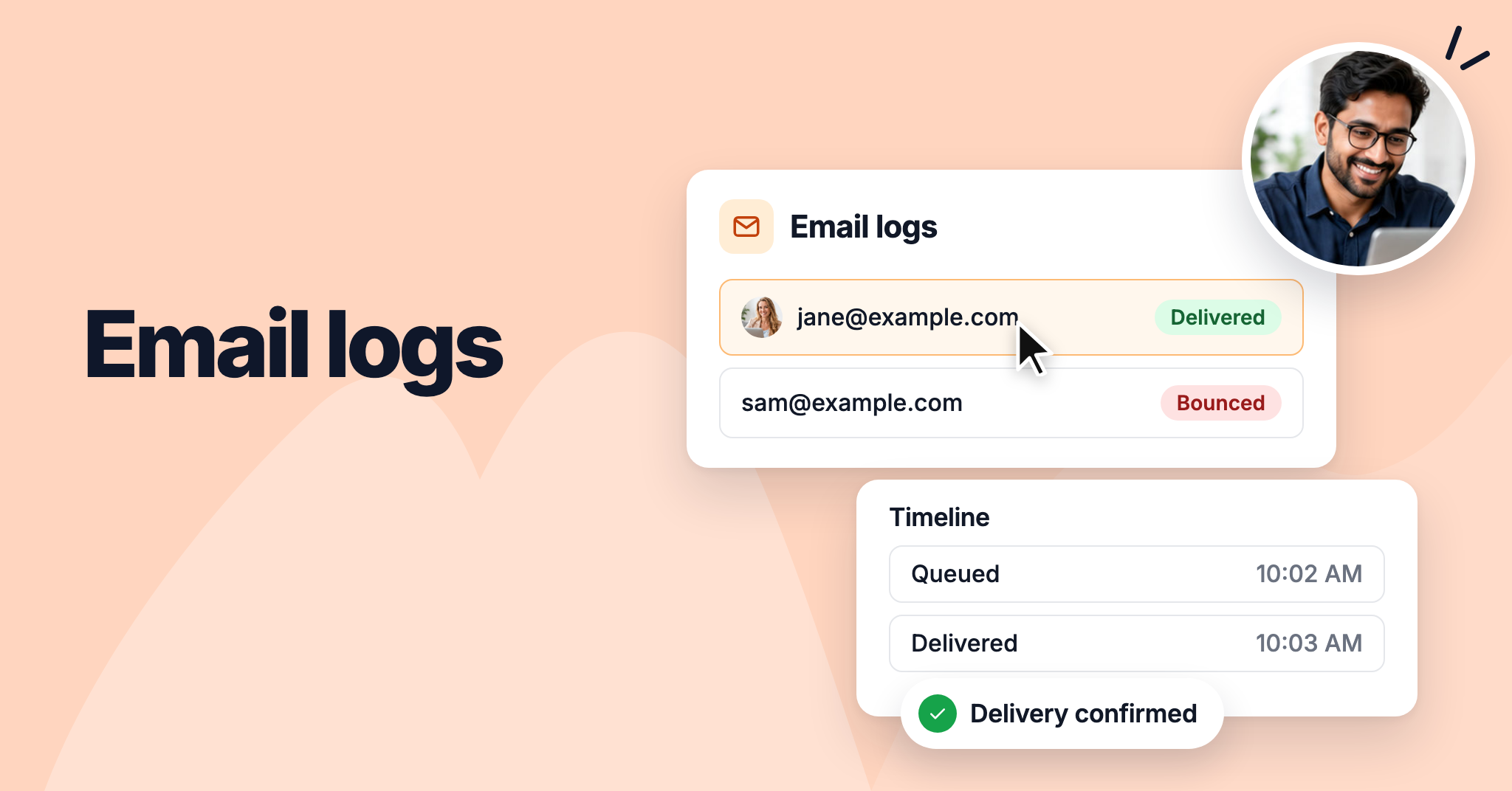
When a customer says they never received a payment email, you can now check what happened. The new Email logs page in the Admin panel lists every email NeetoPay sent from your workspace in the last 30 days, with each recipient's delivery status.

Search by email address, or filter by status or date. Click a recipient to see the email as it was sent and a timeline of when it was queued, handed over, and delivered or bounced.

To learn more, read our help article.


Payment reminders and card expiry warnings

New feature Soham Prabhudesai
payment-reminders-and-card-expiry-warnings.png

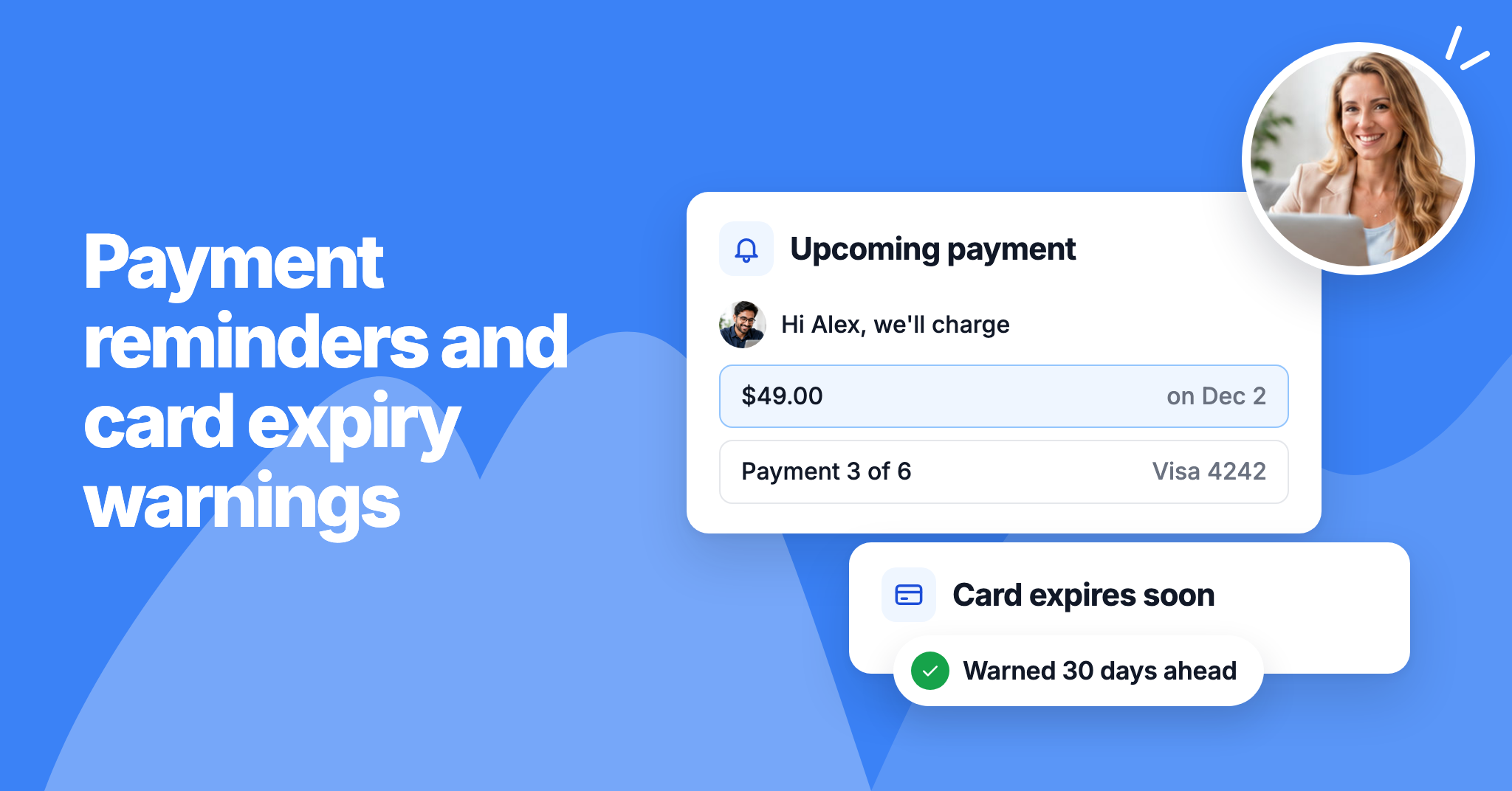
We've added emails that tell customers what's coming before they're charged. Two days before each payment after the first, customers get a reminder with the amount, the date and the card it goes on.

When their card expires before a payment is due, they get a warning 30 days ahead. Confirmation emails now also show the next payment date and amount. Both new emails are on by default; you can edit or turn them off under the plan's Settings > Email notifications.

To learn more, read our help article.


A private plan page for your customers

New feature Soham Prabhudesai
a-private-plan-page-for-your-customers.png

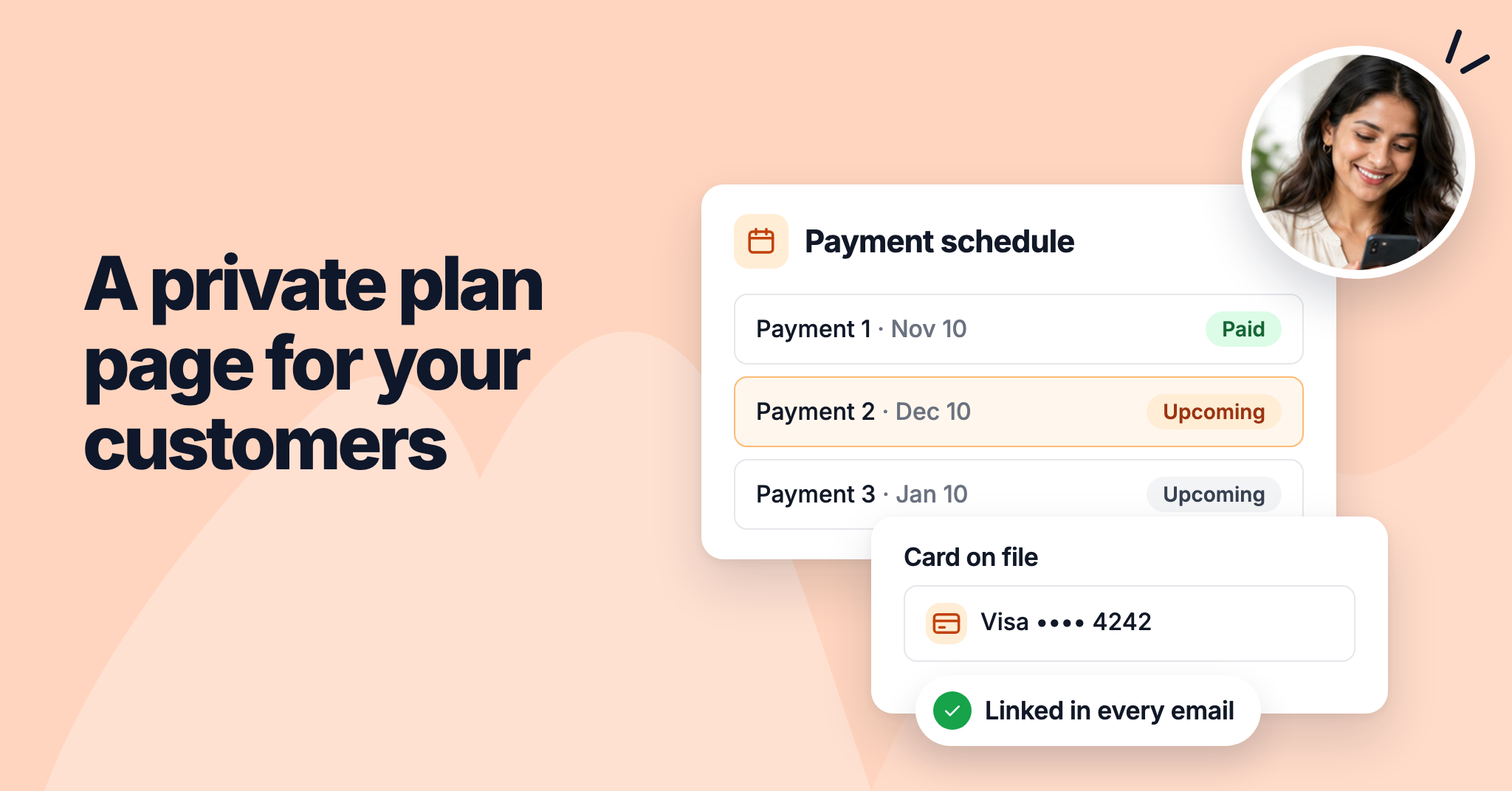
We've added a private plan page for your customers. It shows what they've paid, what's left, the date and status of each payment, and the card on file. They can also cancel the plan there.

Every email NeetoPay sends about a plan links to the page, and the link works for 7 days after the latest email. If it has expired, customers can email themselves a new one.

To learn more, read our help article.


Embed a payment plan on your website

New feature Soham Prabhudesai
embed-a-payment-plan-on-your-website.png

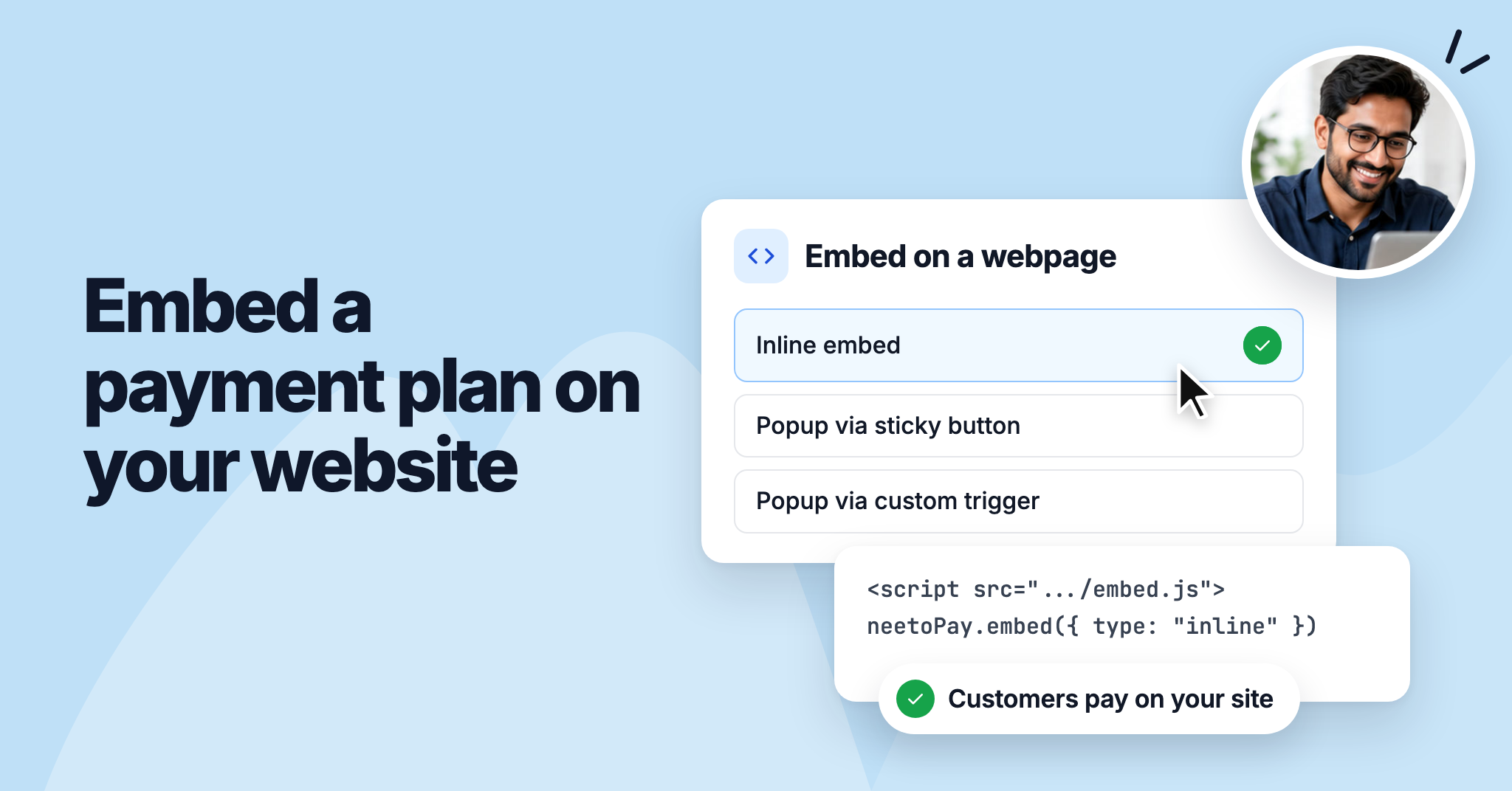
You can now add a payment plan's checkout to your own website, so customers sign up and pay without leaving your page.

Open the plan's Share tab and choose Embed on a webpage. You can show the checkout inline, open it in a popup from a sticky Pay now button or from any element on your page, or use a plain iframe. Pick a light or dark theme to match your site, then copy the code.

To learn more, read our help article.


Single-page checkout

Improvement Soham Prabhudesai
single-page-checkout.png

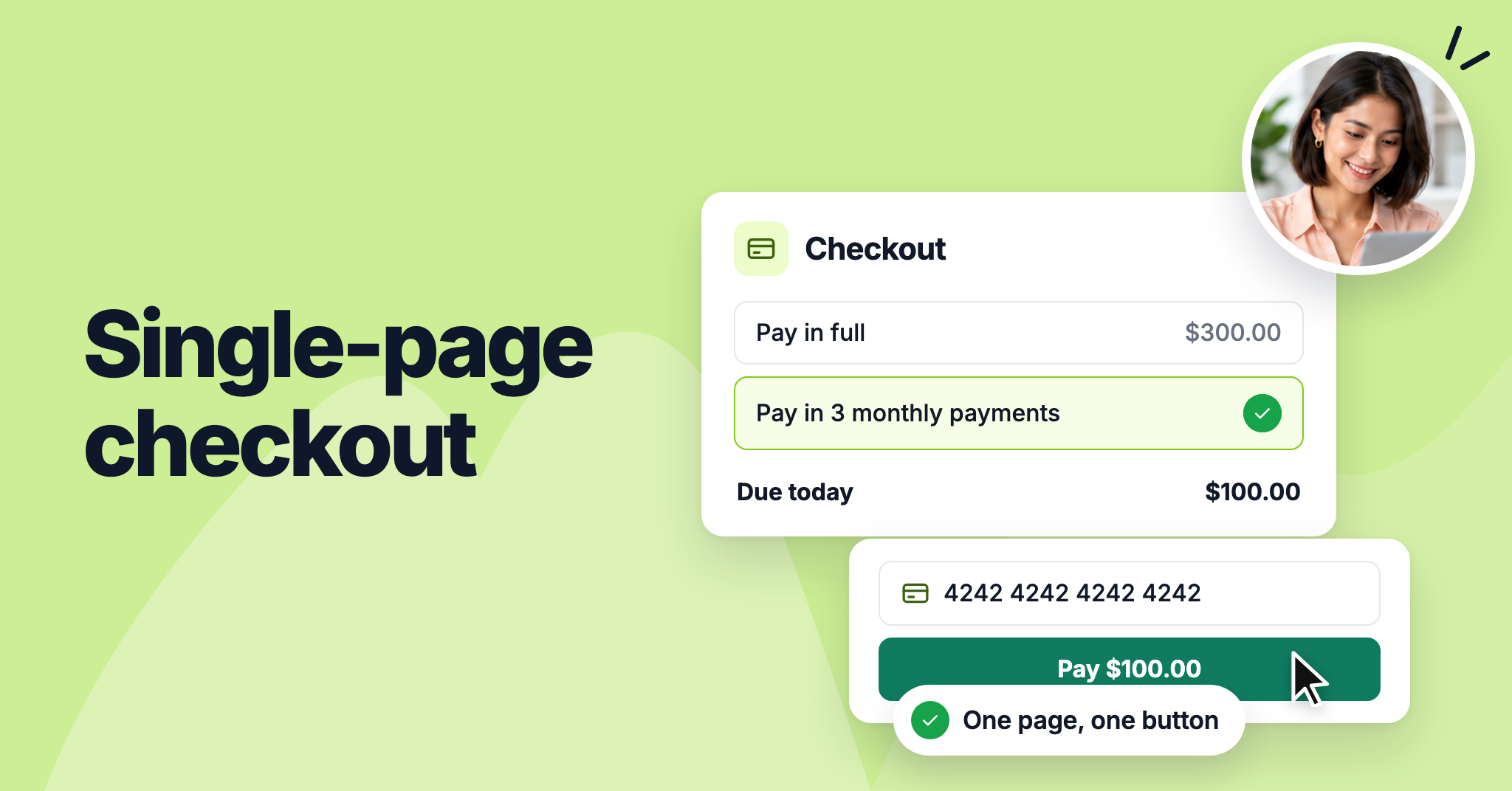
Checkout now fits on one page. Earlier, customers went through up to three screens: choosing how to pay, filling in your form, and then entering their card details.

Now the ways to pay and the order summary sit on the same page as the customer's details and card fields, and one button, such as Pay $100.00, completes the checkout. For installments, customers can see every payment date before they fill in anything.

To learn more, read our help article.